Efficient Calendar Management with iConiCal
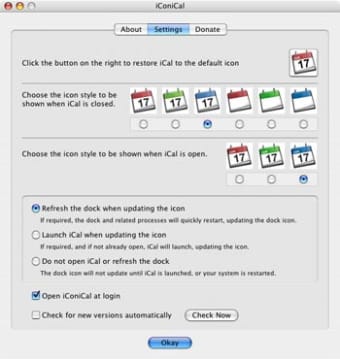
iConiCal is a free productivity application designed for Mac users, focusing on agenda and calendar functionalities. This software provides users with a streamlined interface to manage their schedules, set reminders, and organize events effectively. With its intuitive design, iConiCal ensures that users can easily navigate through their calendars and access important dates and tasks without hassle.
Top Recommended Alternative

The application offers several features that enhance productivity, including customizable calendar views, event notifications, and the ability to sync with other calendar applications. iConiCal is ideal for individuals seeking a comprehensive tool to keep track of appointments and deadlines, making it a valuable addition to any Mac user's productivity toolkit.

.png)
.webp)